
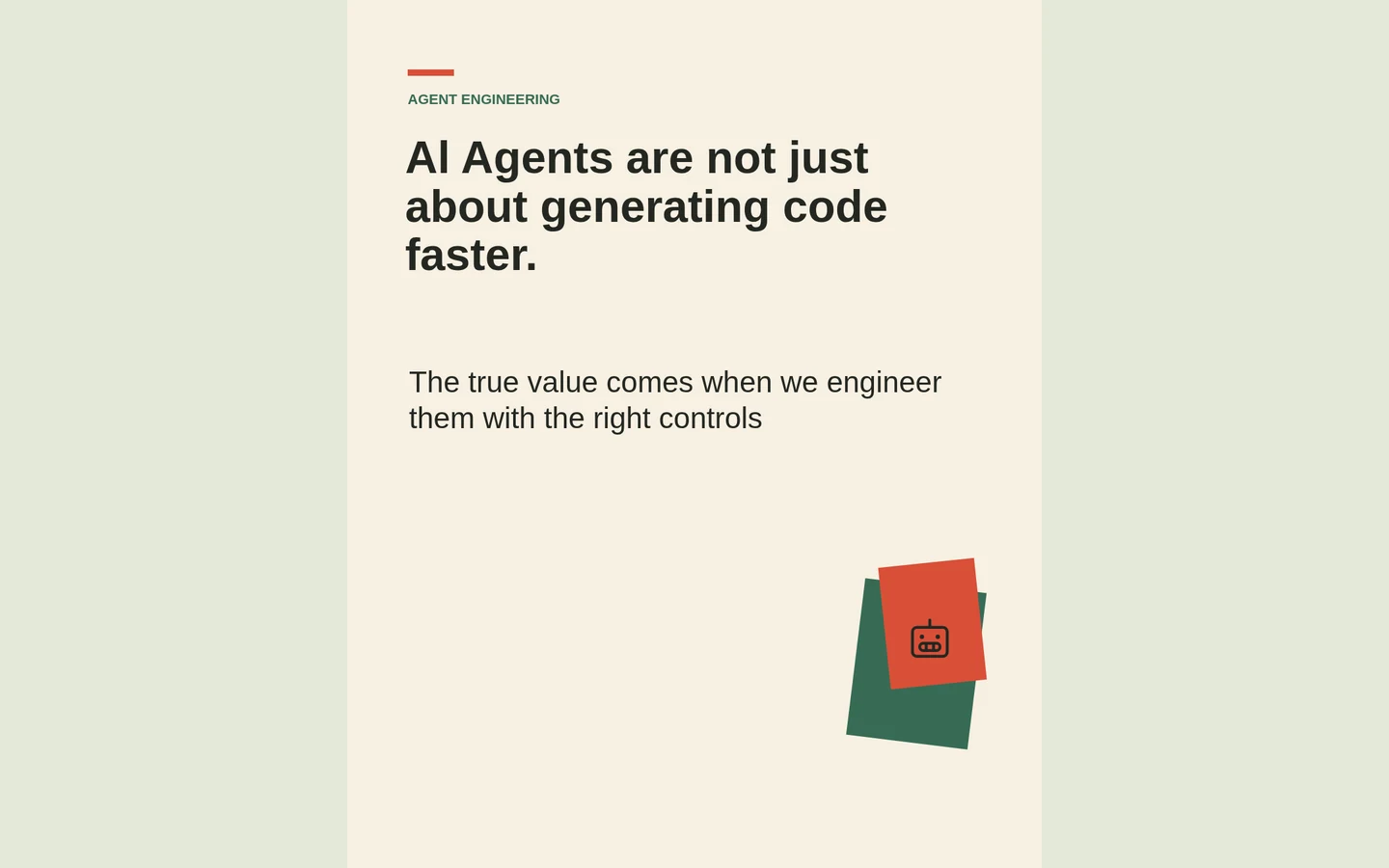
 01 / Style workshop
Give technical stories a human touch with paper collage
Warm paper, purposeful layers and a restrained palette can make an engineering story feel inviting without making it less precise.
Read article ↗BIG THINKING. BEAUTIFULLY EXPRESSED.
Turn your thoughts into visuals that make people stop, understand, and remember.
A little preview of what your thinking can become.
Notes, an outline or a prompt. Start with what you already know.
Refine with AI. Edit the details directly on your canvas.
A presentation, an export or a self-contained visual document.
THE POSSIBILITIES, MADE VISIBLE
For the pitch, the breakthrough, the big picture. Explore visual stories created with rabitmoon.
Explore all 35 examples ↗Real projects. Every page worth exploring.
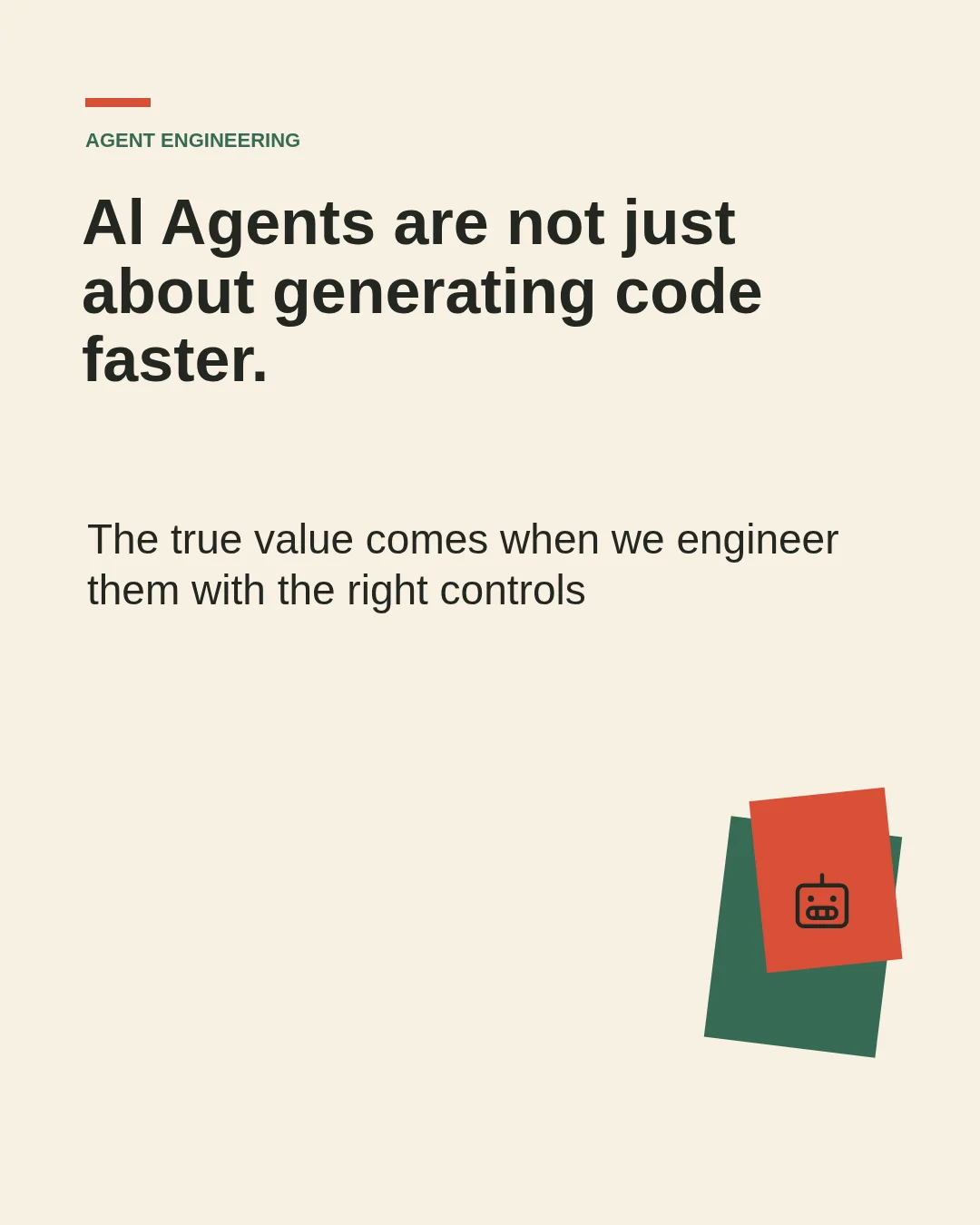
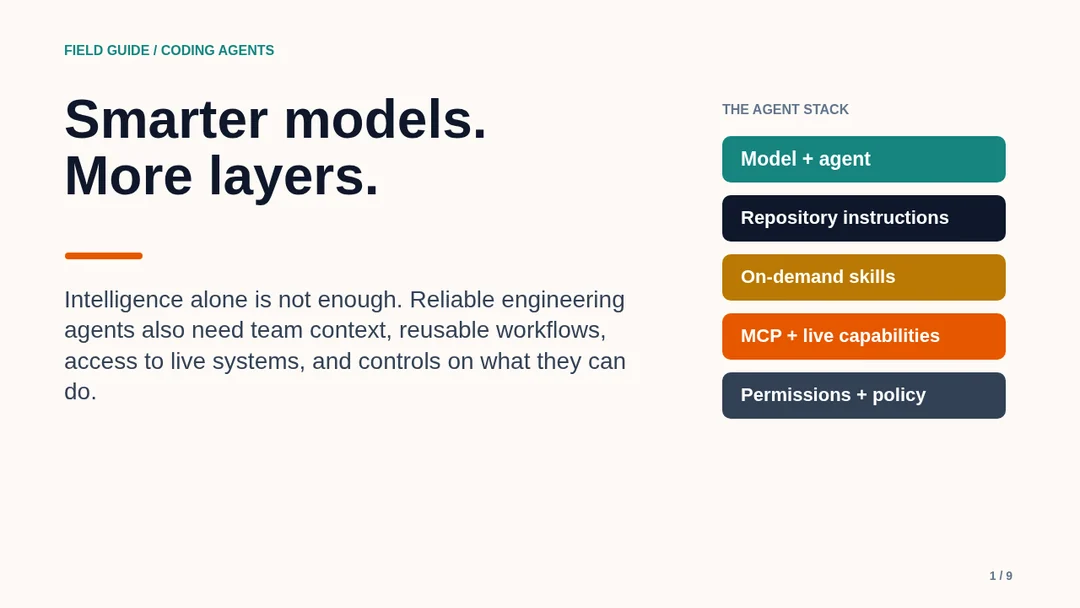
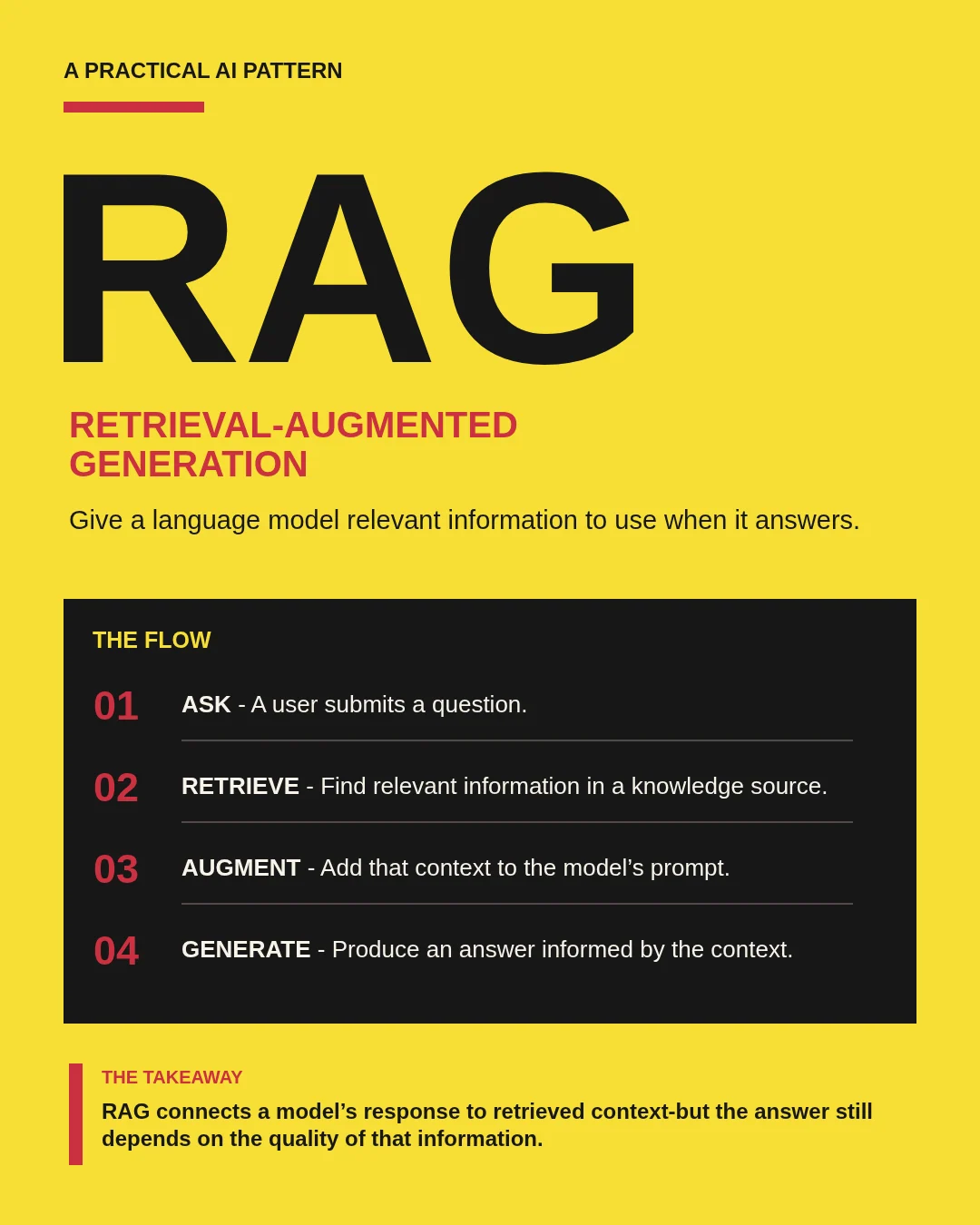
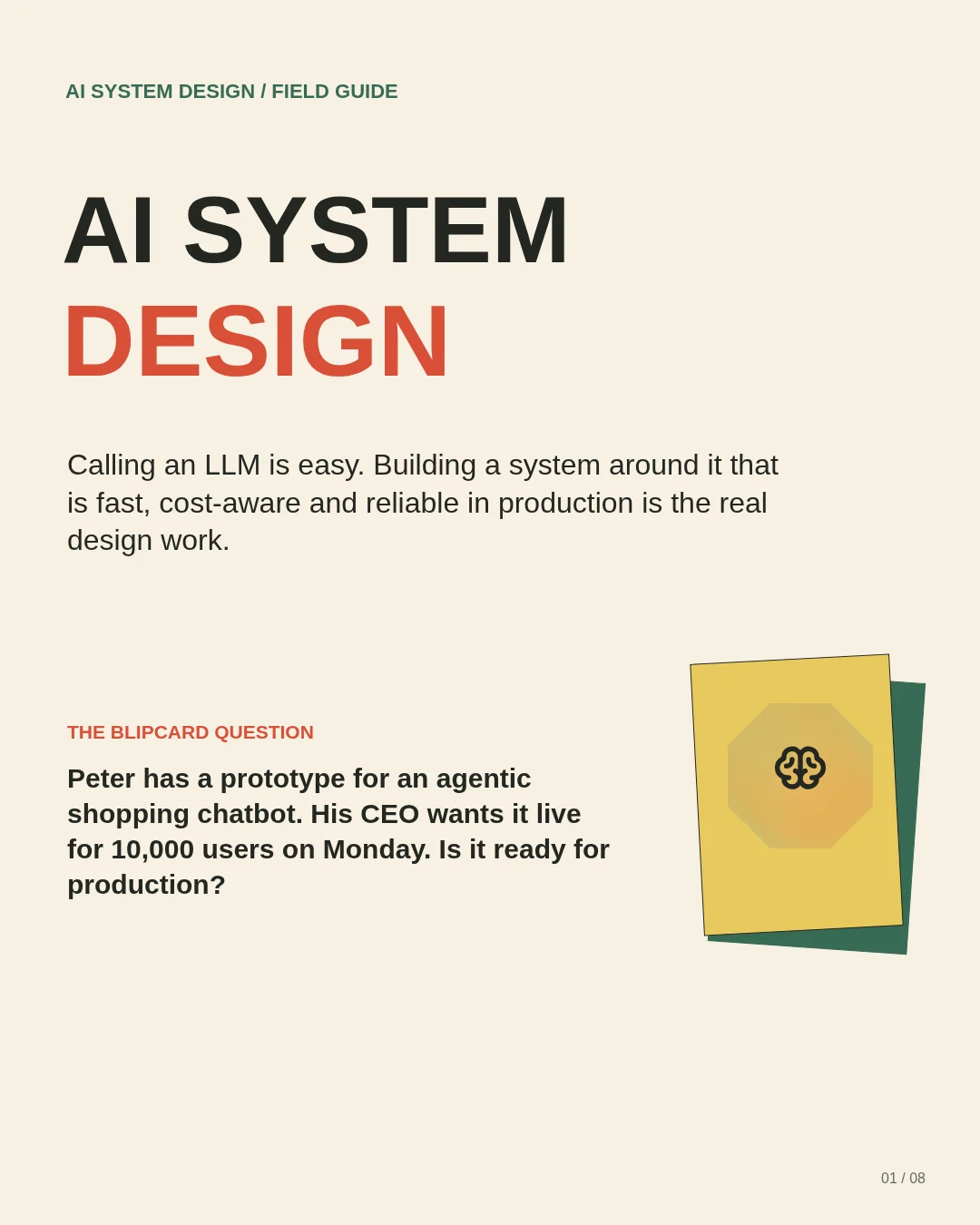
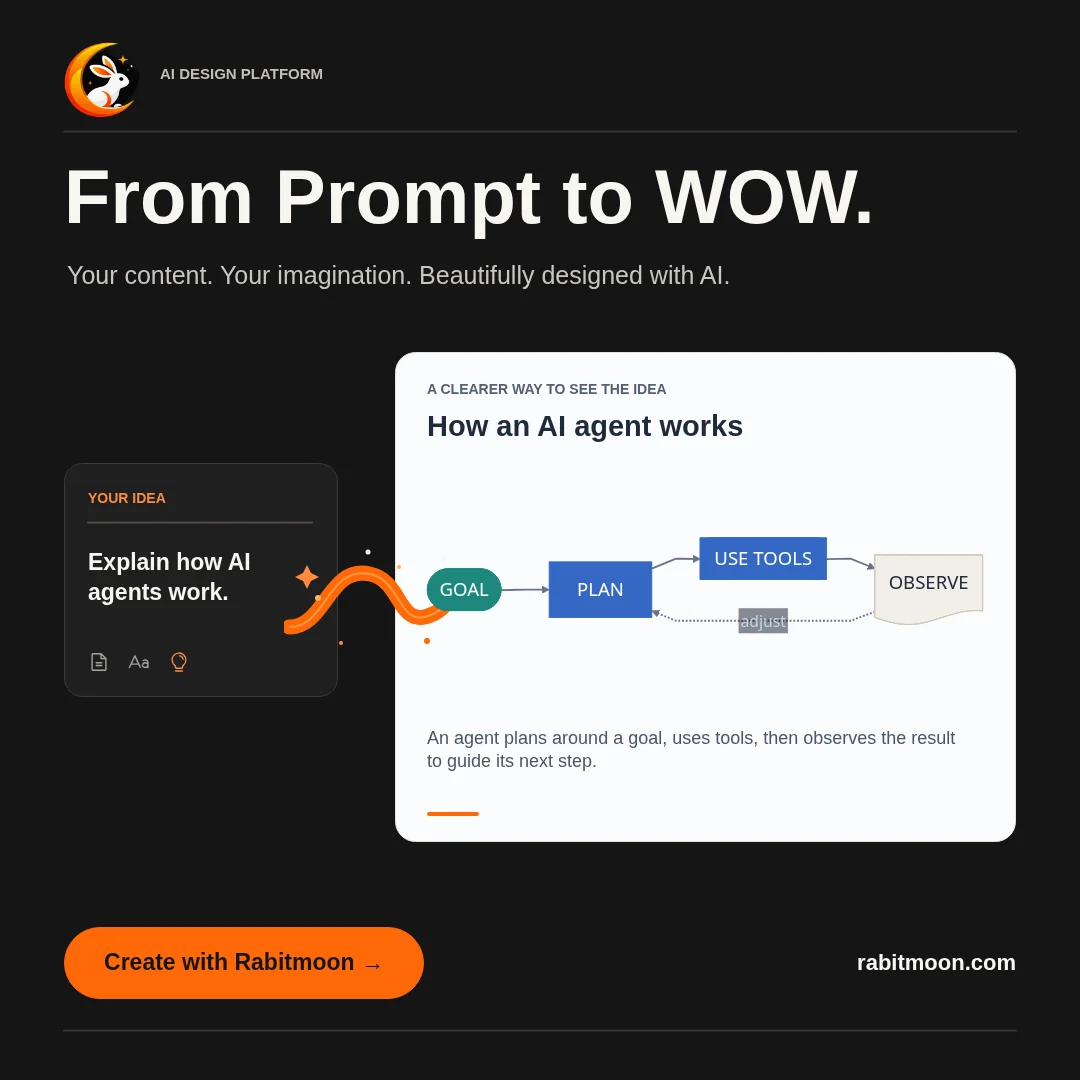
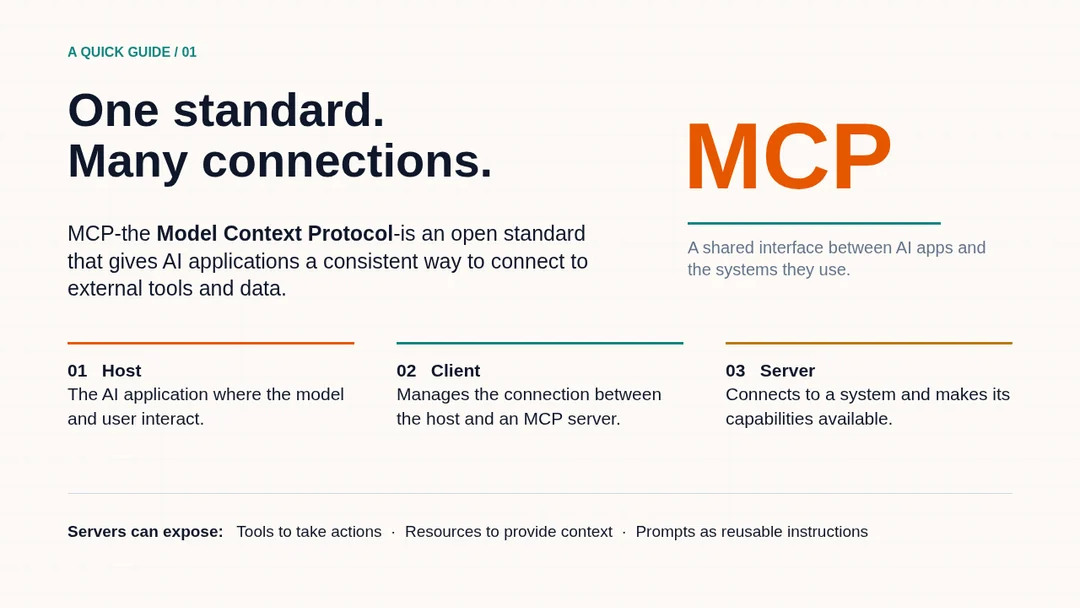
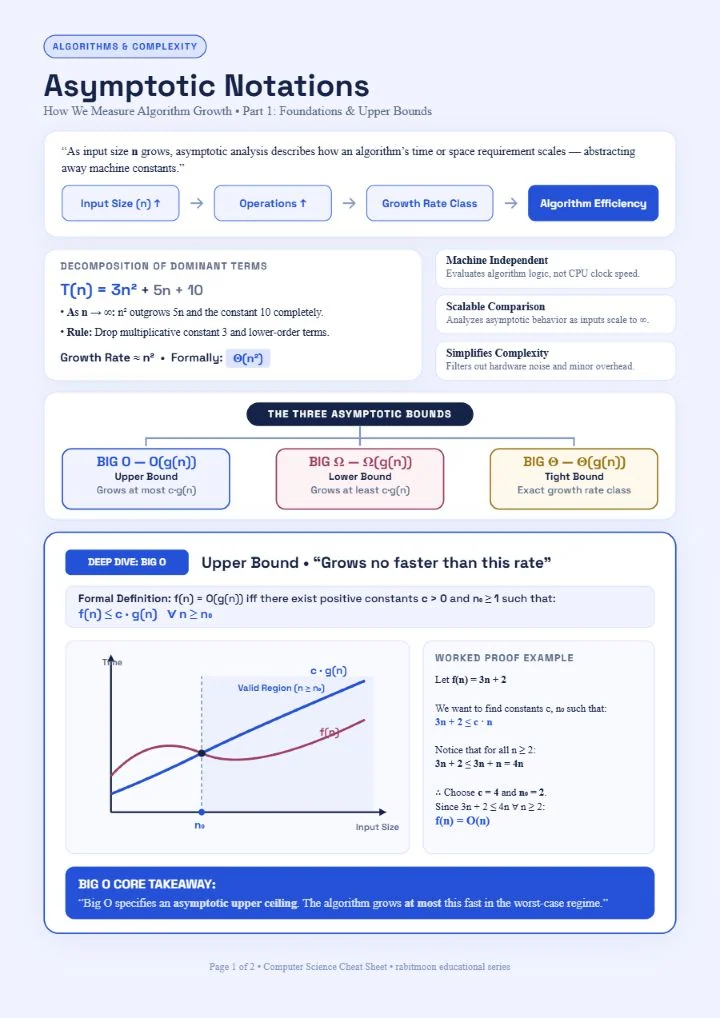
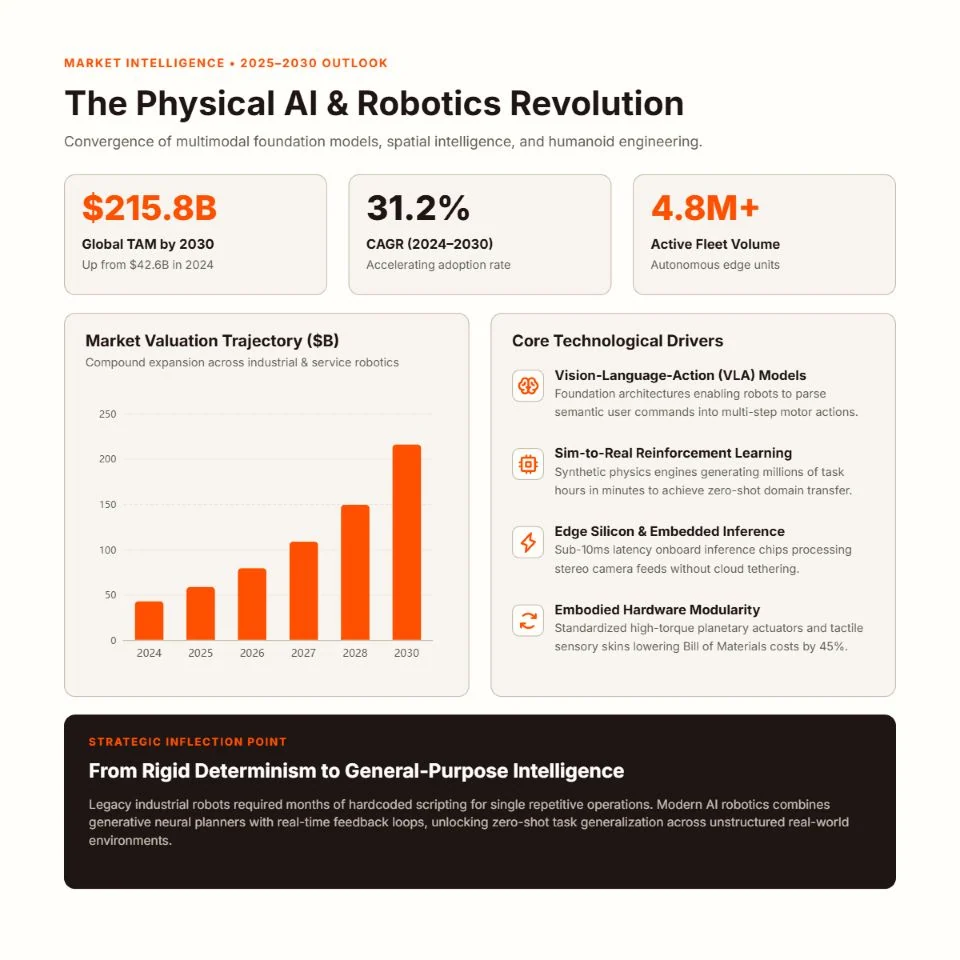

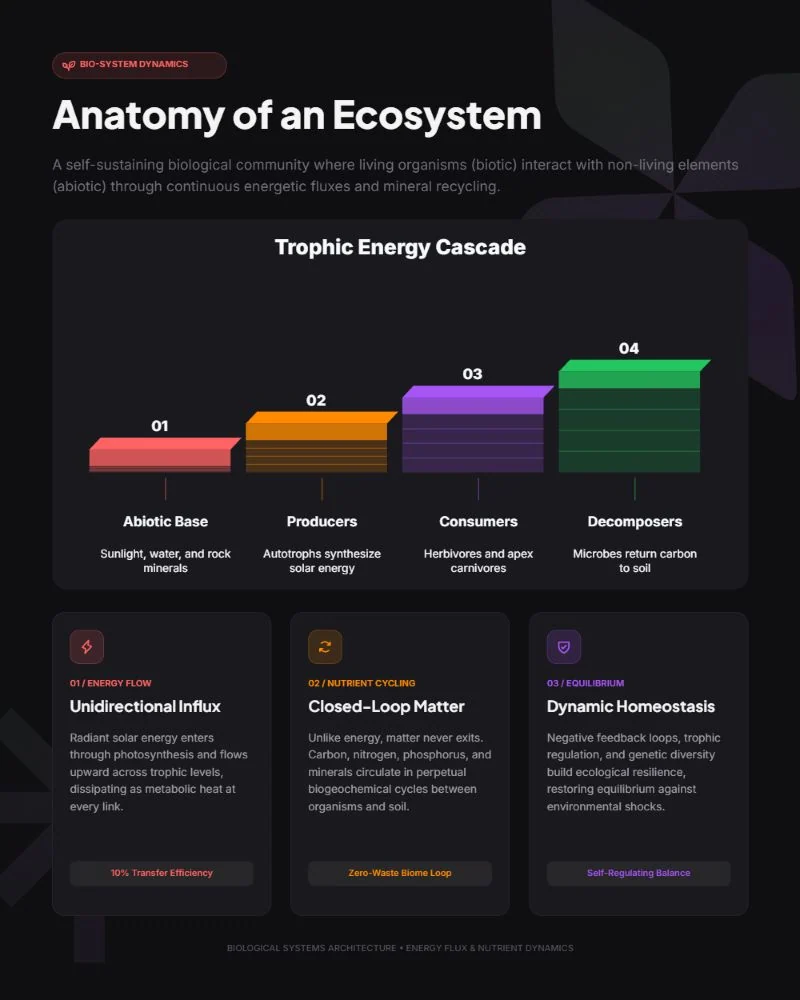
YOUR THINKING. A NEW FORM.
You bring the idea. Your AI design partner helps you find the story, build the visual and get every detail right.
Make your first visualA prompt, an outline or a page of messy notes. Tell rabitmoon what you want to communicate.
“Make this launch plan easier to understand.”
AI builds your visual on the canvas. Refine the direction in conversation, then edit text, colors and layout yourself.
Present your deck, export your work or save a self-contained document for another workflow.
Made for screens, social and print.FROM THE RABITMOON JOURNAL
01 / Style workshopWarm paper, purposeful layers and a restrained palette can make an engineering story feel inviting without making it less precise.
Read article ↗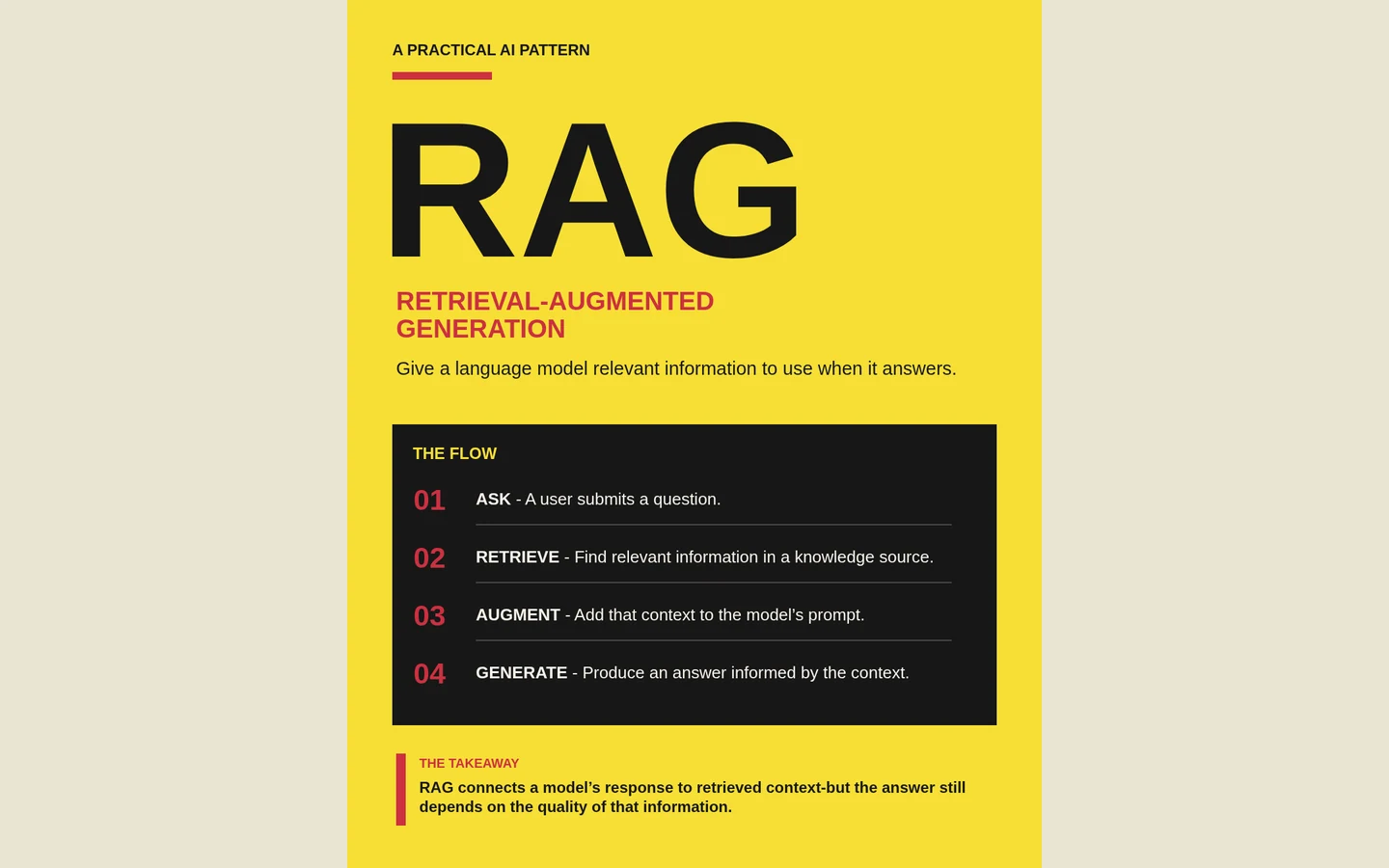 02 / Visual thinking
A strong diagram answers a specific question. Start there, then decide what to label, connect and leave outside the frame.
Read article ↗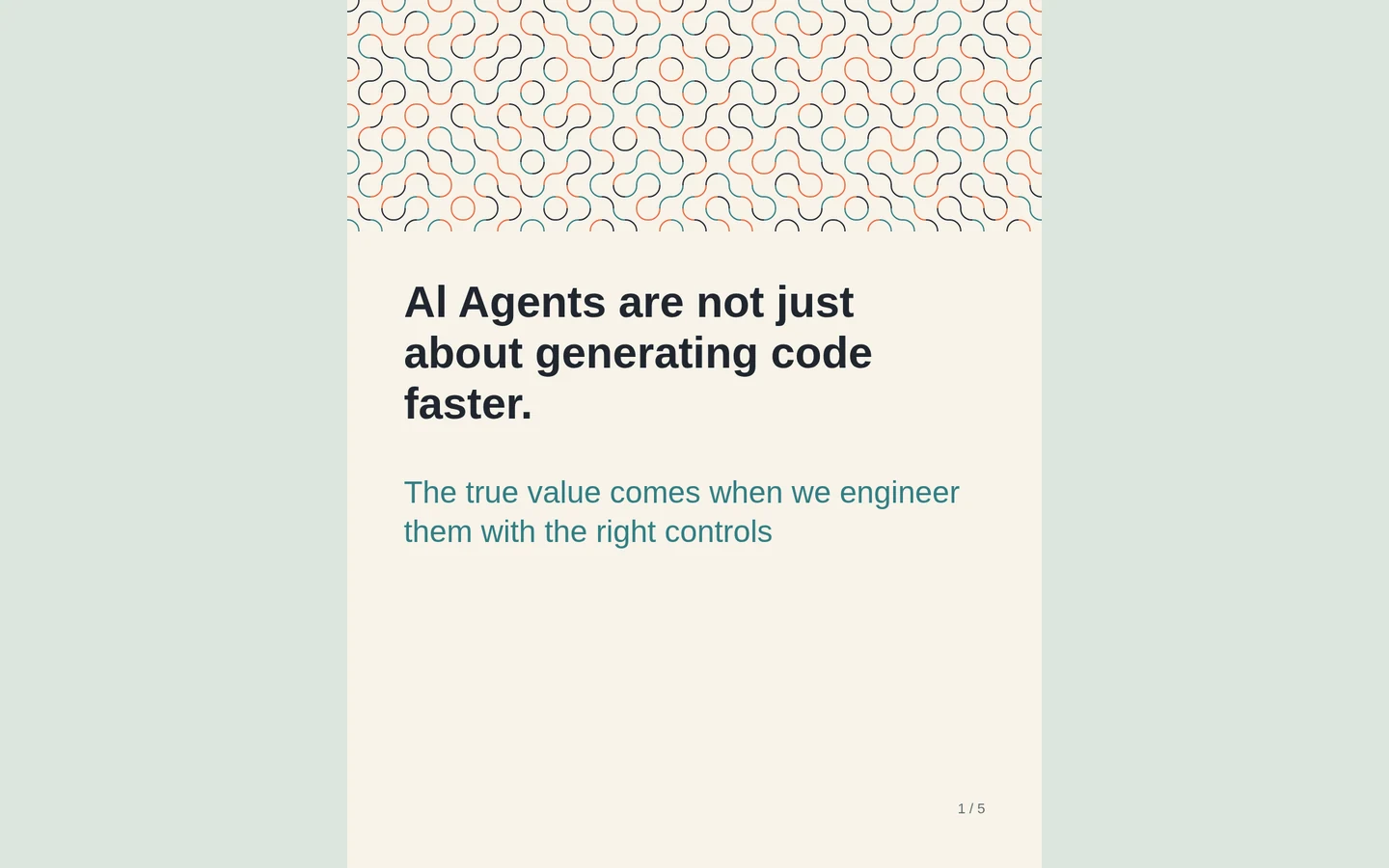 03 / Creation playbook
Give each page a job. Keep the visual identity steady, and let the layout change with the idea.
Read article ↗A LITTLE MORE CLARITY
Here’s what to know before you begin.
Editable infographics, presentations, diagrams, visual notes, social graphics and report-style visual documents.
Yes. Text, layout, charts, diagrams, colors and other canvas elements remain editable after generation.
No. Start with the information and the outcome you need. You can refine the generated structure directly on the canvas.
Create an account, verify your email, and open your workspace. Your first credits are added automatically.
rabitmoon documents are designed to stay portable and self-contained, with presentation and export options for different workflows.
LET’S MAKE SOMETHING CLEAR
Whether you’re exploring rabitmoon, shaping a new workflow or have feedback to share, we’d love to hear it.