
Bring your own source material
Use rough notes, a long explanation or a collection of points as the starting material.
AI VISUAL NOTES
Organize meeting notes, research and learning material into visual notes with clear sections, emphasis and relationships.

Use rough notes, a long explanation or a collection of points as the starting material.
Group related ideas, surface key takeaways and use visual rhythm to reduce reading effort.
Save and share the result as a self-contained rabitmoon document.
Lead with the most useful idea and group supporting observations beneath it. A visual note works best when someone can scan the page first and then read deeper without losing the thread.
Keep dates, sources, assumptions and unanswered questions close to the notes they qualify. Before sharing, check that the visual summary has not made a tentative point sound certain.
REAL WORK
The illustration above introduces the idea. Here is an actual visual created with rabitmoon. Explore the example to see the result at full size and view any additional pages.
Read the guide: How to turn dense research into a clear infographic ↗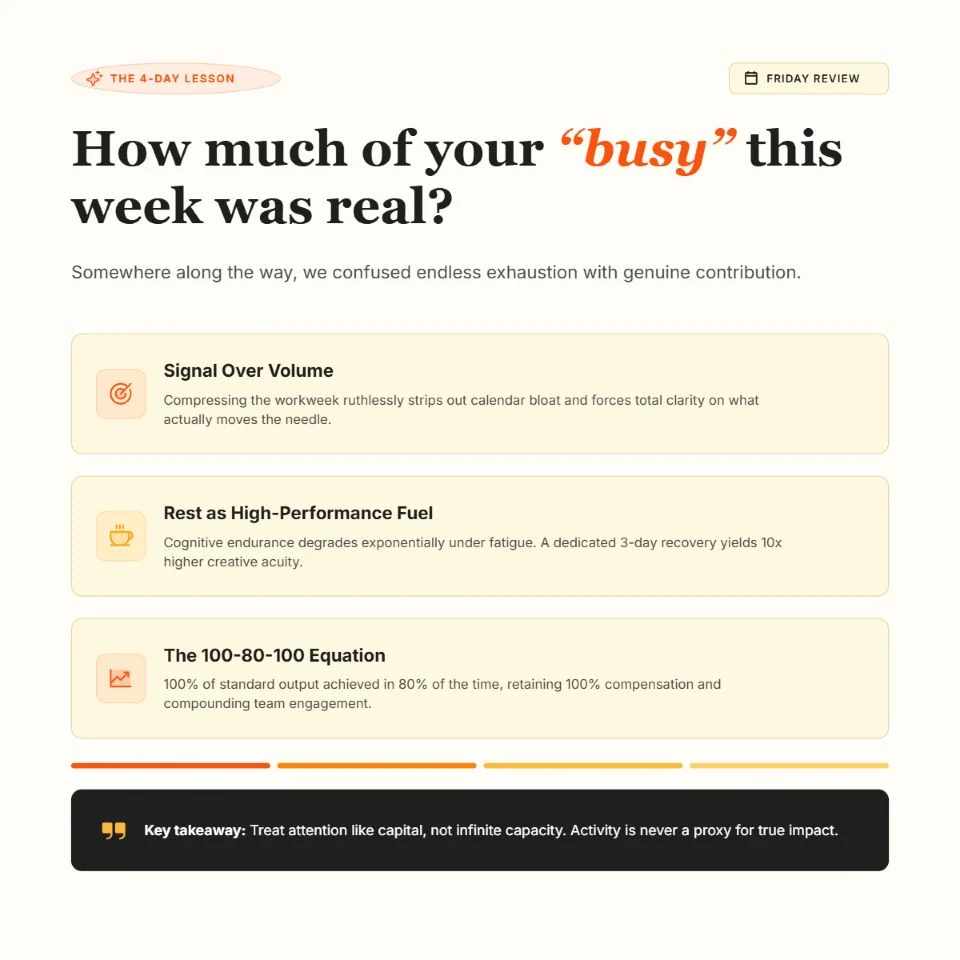
WORK WITH THE IDEA