
Select the format first
Start with square, portrait or story dimensions so the layout is designed for the final channel.
AI SOCIAL POST MAKER
Transform an idea into editable square, portrait or story-format visual content for LinkedIn, Instagram and other channels.
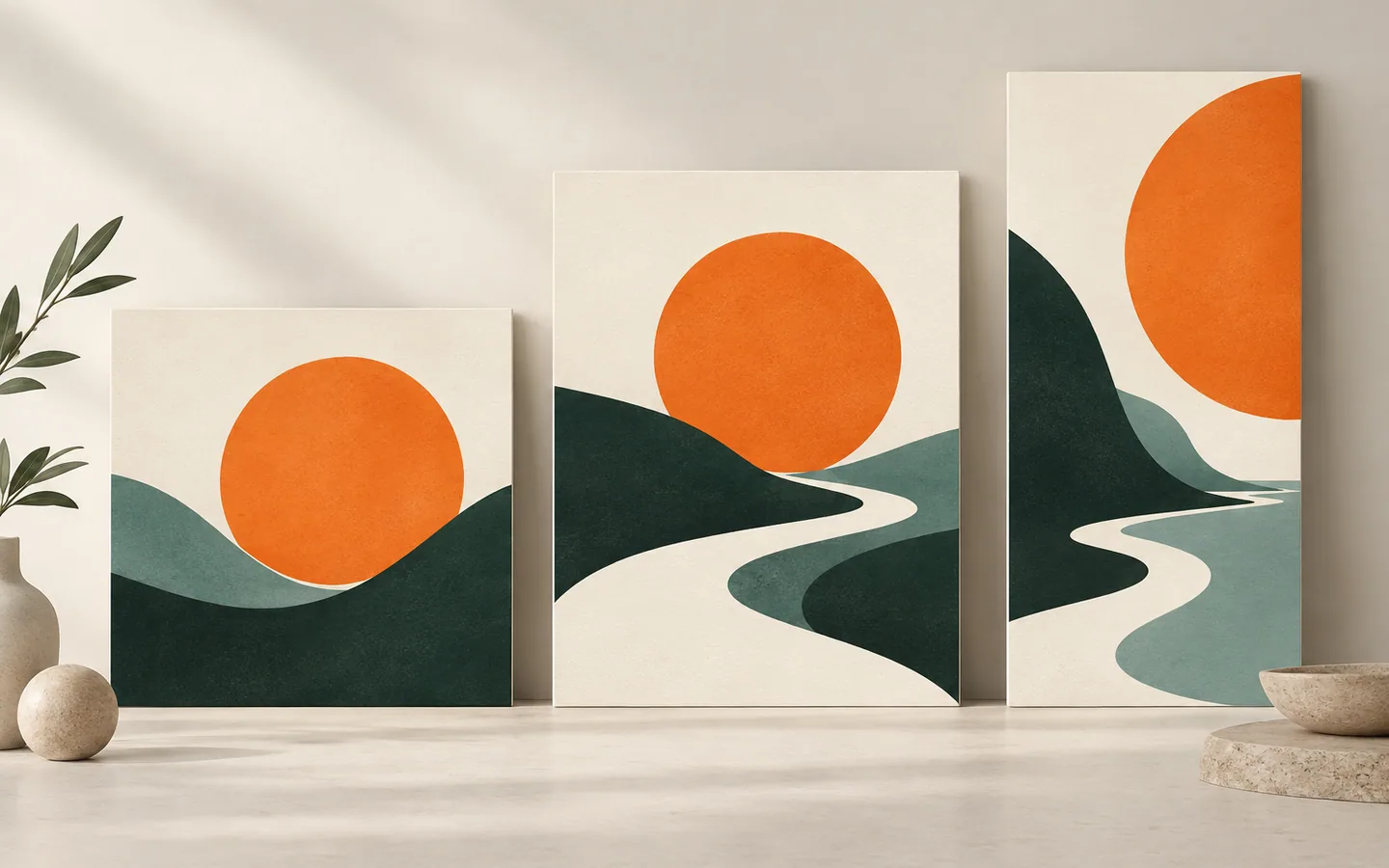
Start with square, portrait or story dimensions so the layout is designed for the final channel.
Use one strong message, supporting evidence and a readable hierarchy instead of compressing an entire article into one card.
Create related variants while preserving brand colors and typography.
A landscape composition rarely works untouched in a portrait frame. Keep the central idea, then rearrange the headline, image and evidence for the space and reading order of each channel.
Check the export on a phone at feed size. Make sure small labels, contrast and safe margins survive the final channel, and give multi-card stories a clear opening and conclusion.
REAL WORK
The illustration above introduces the idea. Here is an actual visual created with rabitmoon. Explore the example to see the result at full size and view any additional pages.
Read the guide: One story, many formats: adapt visuals for slides and social ↗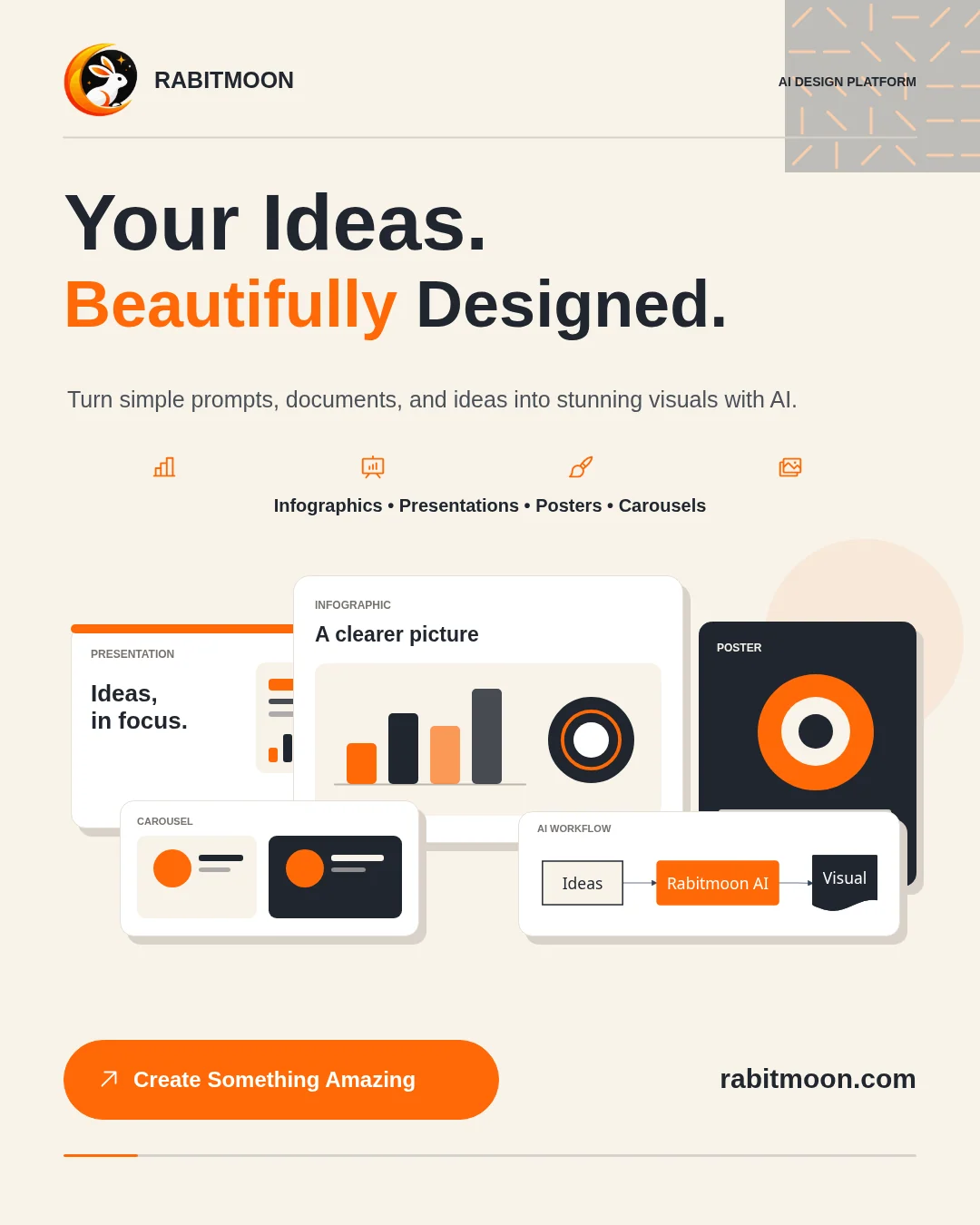
WORK WITH THE IDEA