The first output is a starting point
A flattened image can look finished quickly, but even a small factual correction may require regenerating the whole result. A structured document keeps the parts of the story available for review and editing.
In rabitmoon, generation begins the working process. You can refine copy, hierarchy, layout, charts, diagrams and visual emphasis without throwing away the document.
Designed for information, not only appearance
Visual communication has to preserve meaning. A presentation needs sequence. A process needs clear steps. A report needs evidence and readable numbers.
rabitmoon generates within those document structures so the result can be inspected as communication—not merely admired as an image.
- Editable text and canvas elements
- Purpose-built infographic, slide and diagram structures
- Multiple aspect ratios for screens, social and print
- A self-contained document format with its own viewer and editor
A fair comparison
Different tools are useful for different outcomes. One-shot image generation is a strong choice for mood, illustration and rapid concept art. rabitmoon is the stronger fit when the content must remain accurate, editable, presentable and reusable.
| Need | rabitmoon document | Typical generated image |
|---|---|---|
| Correct text or data | Edit the element | Regenerate or retouch |
| Change the layout | Move and resize structure | Recreate the composition |
| Present multiple pages | Built for slides and stories | Separate image workflow |
| Continue outside the app | Portable self-contained file | Exported pixels |
Choose the workflow that matches the risk
If the visual contains claims, numbers, a process or a story your audience will act on, editability is not a convenience. It is part of the quality-control process.
That is the standard rabitmoon is designed around: AI speed for the first version, with human control for the version you share.
A practical test before choosing a tool
Imagine a stakeholder changes a figure an hour before publication. Can you update the value, its chart and its explanatory text without rebuilding the page? Next, imagine adapting the same work for a presentation and a portrait social post. Can the content move independently from the decorative background?
Those two tests expose the real cost of a flattened result. Retouching can work for one-off artwork, but it becomes fragile when a visual contains many facts or must be maintained over time. A structured document asks for more discipline at the start and gives you more control afterward.
Where one-shot imagery still shines
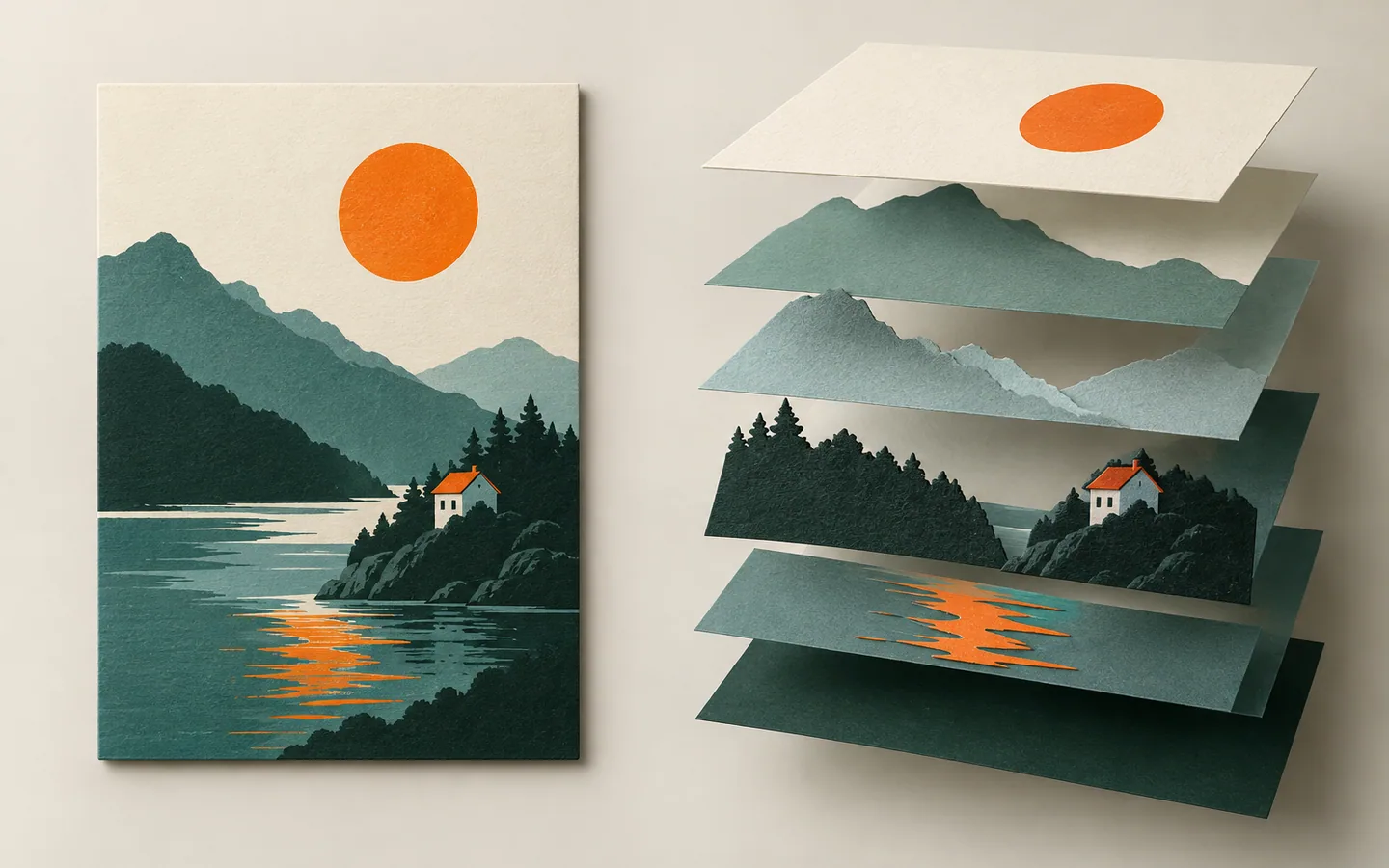
Illustration, mood exploration, background texture and early concept directions are good uses for image generation. In those cases, a single raster output may be exactly what the job needs. The issue is not that one format is universally better; it is that an image and a working document solve different problems.
A productive workflow can use both. Generate or commission an illustration, then place it within an editable document where the message, data and hierarchy remain separate. That lets the artwork contribute atmosphere without carrying information it cannot reliably update.
What to review before sharing
Read every heading, caption and figure as if you were the audience seeing it for the first time. Confirm sources, check visual comparisons for misleading scales, and inspect the exported version—not only the editor view. If a correction is needed, make it in the source document and re-export.
The goal is not to make every pixel editable. It is to keep the parts that communicate meaning editable: the words, the evidence, the order, and the relationships between them. That is what allows a visual to mature from a fast first draft into a dependable asset.
Plan for the next revision
Before you publish, identify who owns future changes. A visual about a changing product, policy or metric should have a clear source of truth and a way to update the shared version. Otherwise a polished graphic can become an outdated graphic surprisingly quickly.
Keep the editable source, the exported version and the evidence they came from together. Give the file a meaningful name and record the date of the facts it contains. That small bit of housekeeping often matters more than another round of visual effects when someone returns to the work weeks later.